AI Across the Whole Lead Lifecycle
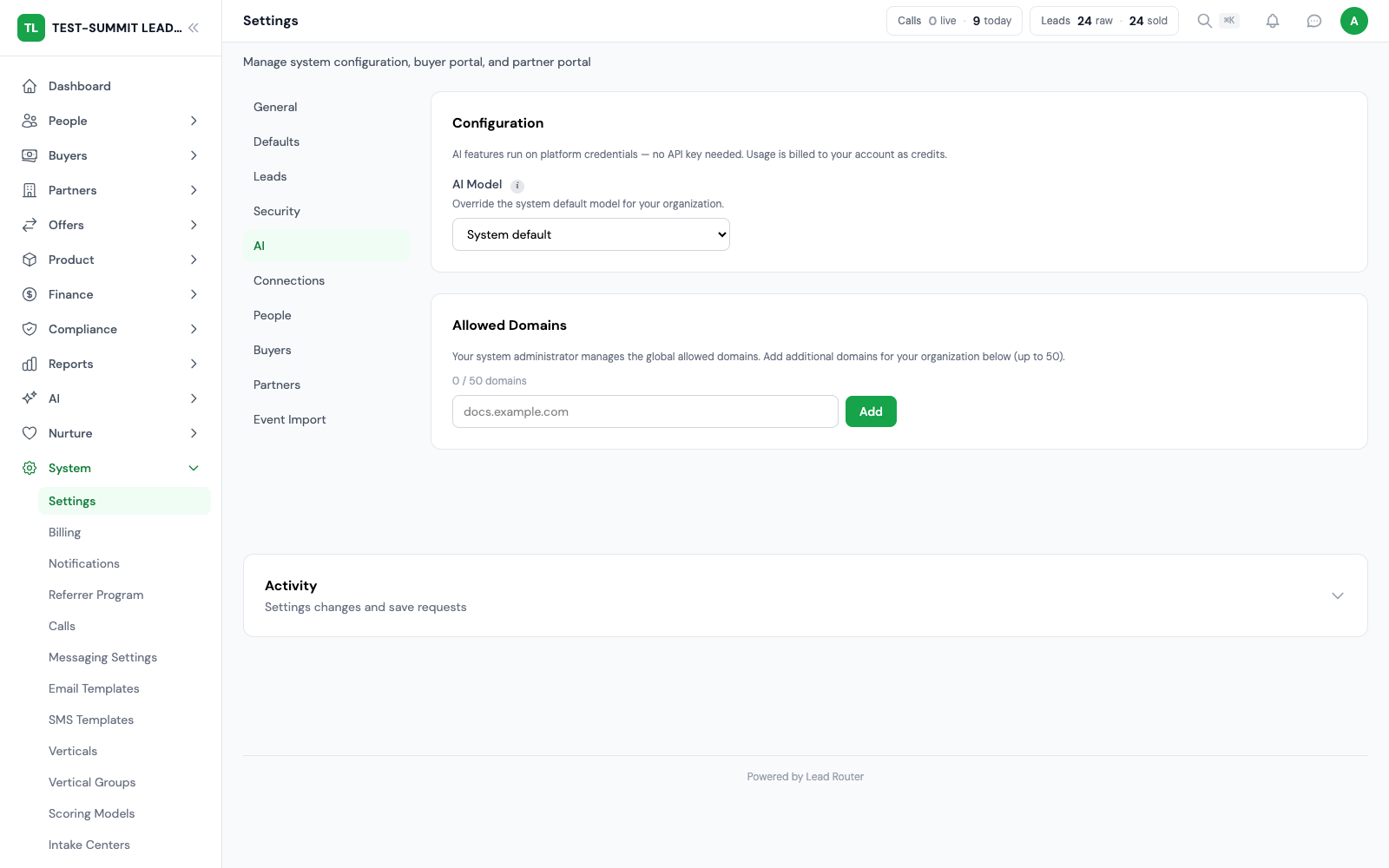
AI helps with buyer setup, analysis, anomaly detection, campaign optimization, forecasting, and delivery health, with an assistant you can talk to. All of it is billed from credits based on actual usage.
30+
AI action tools
Every 15 min
Anomaly scan
0–100
AI Score
Usage-based
AI billing
The Basics
AI built into the workflow
Every capability here is live and wired into the platform you already run.
Lead Router runs AI at the points where lead operations spend time: onboarding buyers, grading incoming leads, catching problems before they cost money, and deciding where to put the next dollar of spend. The AI is part of the workflow, not a separate place you visit.
The AI assistant ties it together: chat with voice input and output, guided walkthroughs, and action cards backed by 30+ tools that take real actions in the platform. AI usage is billed from credits based on actual usage, so the pricing tracks what you run.
What the AI Does
Eight places AI does the work
AI setup and analysis, deterministic quality models, monitoring and reviewed recommendations.
AI assistant with voice
Chat with voice input and output, guided walkthroughs, and action cards backed by 30+ tools. Ask it a question or have it take an action in the platform.
AI-powered buyer setup
Import a posting spec from a URL, map the buyer fields automatically, and send a test lead to confirm the endpoint works. Buyer onboarding becomes a review step.
Quality models and AI analysis
Quality Score uses rules your team writes to give leads a score from 1 to 10. Supported routing checks use the published model. Leads with no score pass the current minimum-quality check. AI Score is a separate number from 0 to 100 for review; it does not choose routing winners.
Anomaly detection & alerts
A scan every 15 minutes watches volume, revenue, and delivery for drift and raises alerts before a quiet problem becomes an expensive one.
Campaign optimization
Recommendations surface where campaigns are over- or under-performing and where shifting spend or filters would move revenue.
Revenue forecasting
Project where the day, week, or month lands based on current pace, so budget and cap decisions are made against a number rather than a guess.
Dedup insights
See where duplicate suppression is protecting margin and where it is throwing away leads a buyer would have paid for, and tune windows accordingly.
Delivery health monitoring
Watch buyer endpoints for failures and automatically pause the ones that are failing, so a broken integration does not silently burn through leads.
The Flow
AI from onboarding to optimization
Four stages where the AI does work you would otherwise do by hand.
Set buyers up by URL
AI-powered buyer setup imports a posting spec straight from a URL, maps the buyer fields to your own fields, and sends a test lead to confirm the endpoint accepts it. Onboarding a buyer becomes a review step instead of copying a spec document by hand.
Score leads as they arrive
Quality Score uses rules your team writes to give leads a score from 1 to 10. Supported routing checks use the published model. Leads with no score pass the current minimum-quality check. AI Score is a separate number from 0 to 100 for review; it does not choose routing winners.
Watch for anomalies continuously
Anomaly detection scans every 15 minutes and raises alerts when volume, revenue, or delivery drifts out of pattern. Delivery health monitoring pauses failing endpoints automatically before a broken buyer integration wastes leads.
Act on recommendations
Campaign optimization shows where to shift spend, revenue forecasting projects where the month lands, and dedup insights show where duplicate suppression is helping or hurting. The AI assistant chat (voice in and out, guided walkthroughs, action cards) turns any of it into a next step.
Use AI with clear controls and boundaries
Assistants help operators investigate and prepare changes within their permissions.

Assistant, MCP and approvals
The assistant and MCP tools (a standard way for outside AI clients to connect) can read account data and prepare actions the platform supports. Approval cards show changes that need confirmation before they run, and the user's own permissions still apply.
Voice and diagnostic help
Voice input and output support hands-free interaction where available. Diagnostic guidance helps investigate delivery, setup and routing issues, with human support available when a workflow needs operator attention.
Quality Score and AI Score
Quality Score uses rules your team writes to give leads a score from 1 to 10. Supported routing checks use the published model. Leads with no score pass the current minimum-quality check. AI Score is a separate number from 0 to 100 for review; it does not choose routing winners.
Cadence and recommendations
Background analysis runs on a set schedule. Review its suggestions before making changes. Automatic bid management remains on the roadmap.
Frequently Asked
FAQ
What operators ask before relying on AI in a revenue-critical workflow.
Is the AI suite actually live, or roadmap?
The capabilities on this page are live: the AI assistant with voice, AI-powered buyer setup, lead scoring, anomaly detection, campaign optimization, revenue forecasting, dedup insights, and delivery health monitoring. Autonomous bid management is in development and is not part of the platform yet.
How is AI usage priced?
AI usage is billed from credits based on actual usage. Heavier calls cost more and light calls cost only a few credits, so the line item tracks what you run.
What can the AI assistant actually do?
The assistant supports chat with voice input and output, guided walkthroughs, and action cards backed by 30+ tools that take real actions in the platform. You can ask it to do something and it can carry the action out.
How does lead scoring work?
Quality Score uses rules your team writes to give leads a score from 1 to 10. Supported routing checks use the published model. Leads with no score pass the current minimum-quality check. AI Score is a separate number from 0 to 100 for review; it does not choose routing winners.
What happens when a buyer endpoint starts failing?
Delivery health monitoring watches buyer endpoints and automatically pauses the ones that are failing, so a broken integration does not keep consuming leads. Anomaly detection, which scans every 15 minutes, will also flag the drop in successful delivery.
Does the AI set up buyers on its own?
AI-powered buyer setup imports a posting spec from a URL, maps the fields, and sends a test lead so you can confirm the endpoint works. It reads the spec and maps the fields; you review, run the required delivery test, and approve before the buyer receives live traffic.
Put AI to Work
Let the AI handle the repetitive work
Onboard buyers by URL, score leads on the way in, catch anomalies every 15 minutes, and act on recommendations with an assistant you can talk to. All live, all billed from credits based on actual usage.
Every module included at no extra license fee.