For Call Centers & Intake Teams
Agent time and consistent handling are what matter most. Lead Router gives an intake team shared delivery and disposition mapping across contracts, disposition reports to run the floor, buyer portal call-taking, an AI dialer that works the list, lead scoring to rank it, and a People hub so every agent sees the caller’s history when a call connects.
Intake centers
Shared handling
AI dialer
Outbound
Lead scoring
Prioritization
People hub
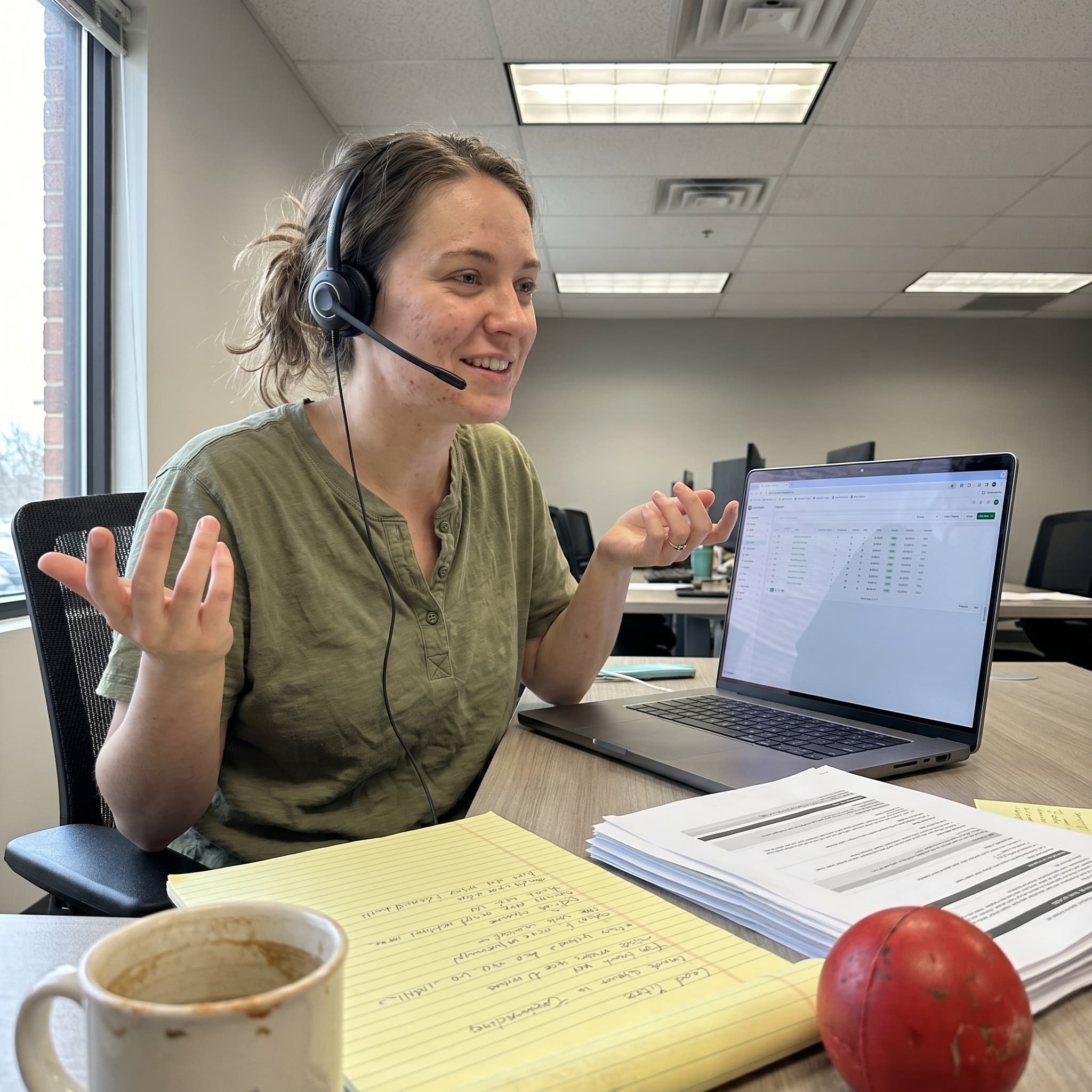
Caller history
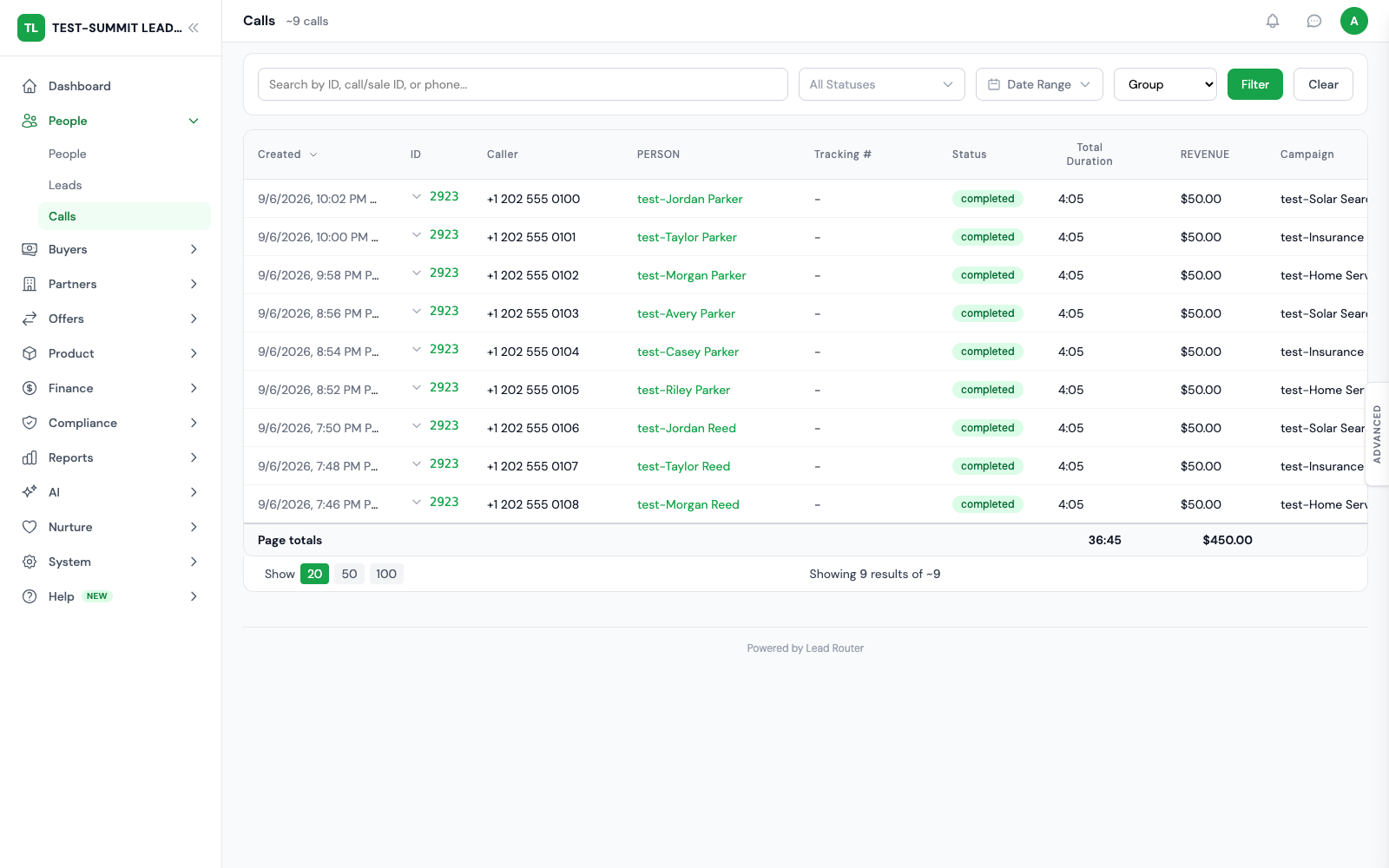
What Slows An Intake Team
Where an intake team loses time and consistency
Four things that drain a call center’s throughput, and how shared configuration plus automation fix them.
Delivery and dispositions configured per contract
When every contract carries its own delivery config and disposition mapping, adding a campaign means rebuilding the whole handling setup. Settings drift, and agents end up recording dispositions inconsistently.
No shared view of the caller
An agent who cannot see a caller’s past contacts has to qualify them again from scratch. Caller history needs to live in one place the whole team can open when a call connects.
Manual dialing burns agent time
Agents spend a large share of the day dialing and waiting on no-answers instead of talking. Outbound cadences and voice agents should work the list before a human ever picks up.
Every record treated the same
Without scoring, the dialer works records in whatever order they arrived. The best leads sit in the queue behind cold ones, and connect-to-close rates suffer.
How Lead Router Solves It
Built for how intake teams run
Shared handling, disposition reporting, call-taking, an AI dialer, scoring, and a shared caller view, all in one platform.
Intake centers
Group a shared delivery configuration and disposition mapping into an intake center, then point multiple contracts at it so they all inherit the same handling. Set up delivery and dispositions once instead of contract by contract.
Disposition codes, log, and reports
Agents mark each contact with a disposition code, and the disposition log records every one. Disposition reports roll up connect rates, qualified rates, and outcomes by campaign, agent, or buyer. Roll it into full reporting.
Buyer portal call-taking
Agents take calls from the portal. An availability toggle controls whether they receive calls, and a screen pop shows the caller’s details and history the moment the call connects. There is no separate softphone product to buy and integrate.
AI dialer with voice agents
Place outbound calls on configurable cadences using voice agents, working the list automatically before or instead of a live agent. It is live and metered at 50 credits per minute ($0.50 per minute). See the AI suite.
Lead scoring for dialer priority
Score leads so the dialer and your agents work the highest-value records first, instead of in arrival order. The best leads get the first and freshest contact attempt.
People hub and CRM delivery
Caller history lives in a People hub the whole team can open, and delivery drops leads into your dialer or CRM over webhook or HTTP. Zoho is a native connector. Salesforce and HubSpot connectors are in development. Email and Google Sheets delivery cover simpler destinations.
Keep intake, agent work and case outcomes connected
Explore the detailed workflow and configuration requirements for each capability.
Answer and wrap up
Buyers set up for calls can take them in the browser workspace, use picture-in-picture controls where supported, and finish wrap-up before choosing Go Available.
Additional qualified cases
A disposition you set up can automatically split an extra qualified case into its own linked lead and sale, with the outside case ID attached. The person record can stay the same. Records that carry only a disposition cannot create billable splits.
Track vendors independently
Send the lead to your main case system, then pass the ID it returns to a second intake vendor. Opt-in disposition tracking keeps each vendor's case IDs and outcomes separate without creating another priced sale.
Book costs at the right event
A transfer disposition can add an intake cost before a later signing records conversion revenue. Costs tied to a chosen disposition apply once per case and can be billed or shown in reports only.
A closer look
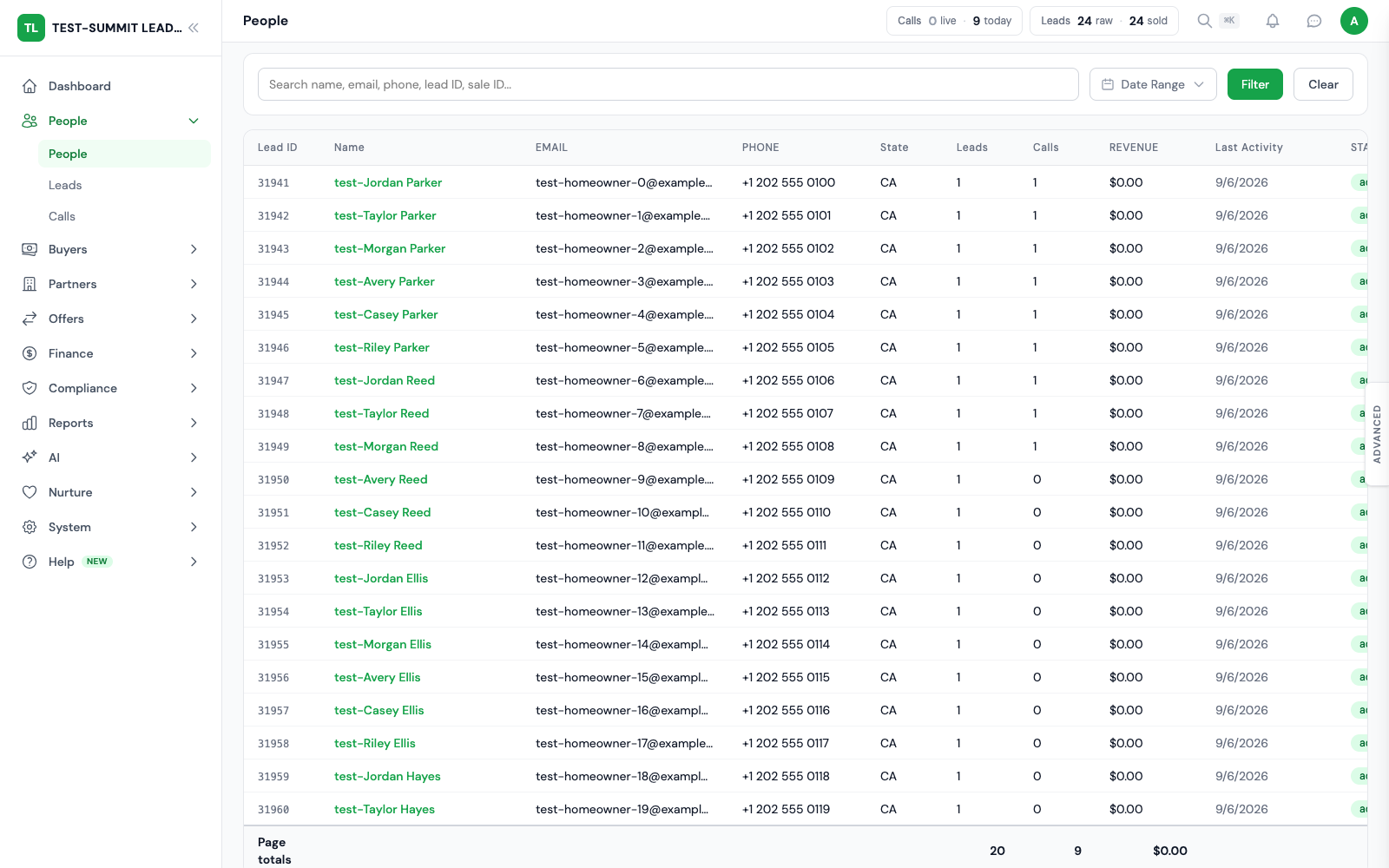
Inspect a call in the actual workspace
Follow a prepared call record into its details and linked activity. This tour uses fictional records. No real phone call is placed.

Read the video transcript
- 0–12 seconds: The calls workspace lists prepared sample calls with their status and context.
- 12–26 seconds: Opening a sample call shows its detail view, including the recorded duration and related records.
- 26–40 seconds: Look through the record sections and linked activity. These records show the interface only. No live phone call was made.
Frequently Asked
FAQ
Questions call-center and intake operators ask before moving their tools onto one platform.
What is an intake center?
An intake center groups a shared delivery configuration and disposition mapping so multiple contracts route into the same call-taking team with the same handling. Instead of setting up delivery and dispositions contract by contract, you define them once at the intake center. Every contract that points at it inherits that setup.
How do disposition codes and reports work?
Agents mark each contact with a disposition code, and the disposition log records every one. Disposition reports roll those up so you can see connect rates, qualified rates, and outcomes by campaign, agent, or buyer. That is the day-to-day view an intake team runs on.
What does the AI dialer do?
The AI dialer places outbound calls on configurable cadences using voice agents, so the list is worked automatically before or instead of a live agent. It is a shipped feature, metered at 50 credits per minute ($0.50 per minute) drawn from your plan credits. Lead scoring can prioritize which records the dialer works first.
Can agents take calls without extra software?
Yes. Buyer portal call-taking lets an agent turn on an availability toggle to receive calls. When a call connects, a screen pop shows the caller’s details and history. There is no separate softphone product to buy and integrate.
How do leads get into our dialer or CRM?
Each contract has its own delivery over webhook or HTTP into your dialer, CRM, or intake endpoint. Zoho is a native connector. Salesforce and HubSpot connectors are in development. Email or Google Sheets delivery is available for simpler destinations. Each destination gets the payload shape and auth it expects.
Built For Intake Teams
Consistent handling and more agent time
Intake centers for shared delivery and dispositions, disposition reports, buyer portal call-taking, an AI dialer at 50 credits per minute, lead scoring, and a People hub. One platform from routed lead to worked call.
Every feature is part of the plan. Usage is billed in credits.