Lead Deduplication: Buyer-Level and Cross-Partner Dedup
Stop paying twice for the same consumer. Set buyer-level checks, intake duplicate rules, and contract windows. The platform checks prior records before routing and keeps the reasons for skipped leads or buyers.
Buyer-Level
Per-contract check
Cross-Partner
Same vertical, any partner
SHA-256 Hashed
Email and phone identifiers
The Basics
What lead dedup is
The check that stops the same consumer from being sold twice to the same buyer.
Lead deduplication is the check that stops the same person from being sold twice to the same buyer inside a window you set. When a lead comes in, the platform hashes the email and phone, looks up prior sales by those hashes in the leadDedup table, and blocks the new sale if there is a match inside the contract dedup window.
Dedup matters because buyers do not want to pay twice for the same consumer, and consumers do not want to be called by five buyers on the same offer just because they filled out two forms. Dedup is how operators keep buyer costs fair and keep consumers from getting spammed.
Capabilities
What Lead Router dedup does
Six capabilities that cover buyer-level, cross-partner, and post-delivery dedup.
Buyer-level dedup per contract
Every contract runs a dedup window against prior sales to the same buyer. A buyer that already bought this consumer inside the window does not bid on the ping. The window is set per contract: short for high-volume verticals, long for high-cost verticals where the buyer is paying for a long sales cycle.
Duplicate checks across partners
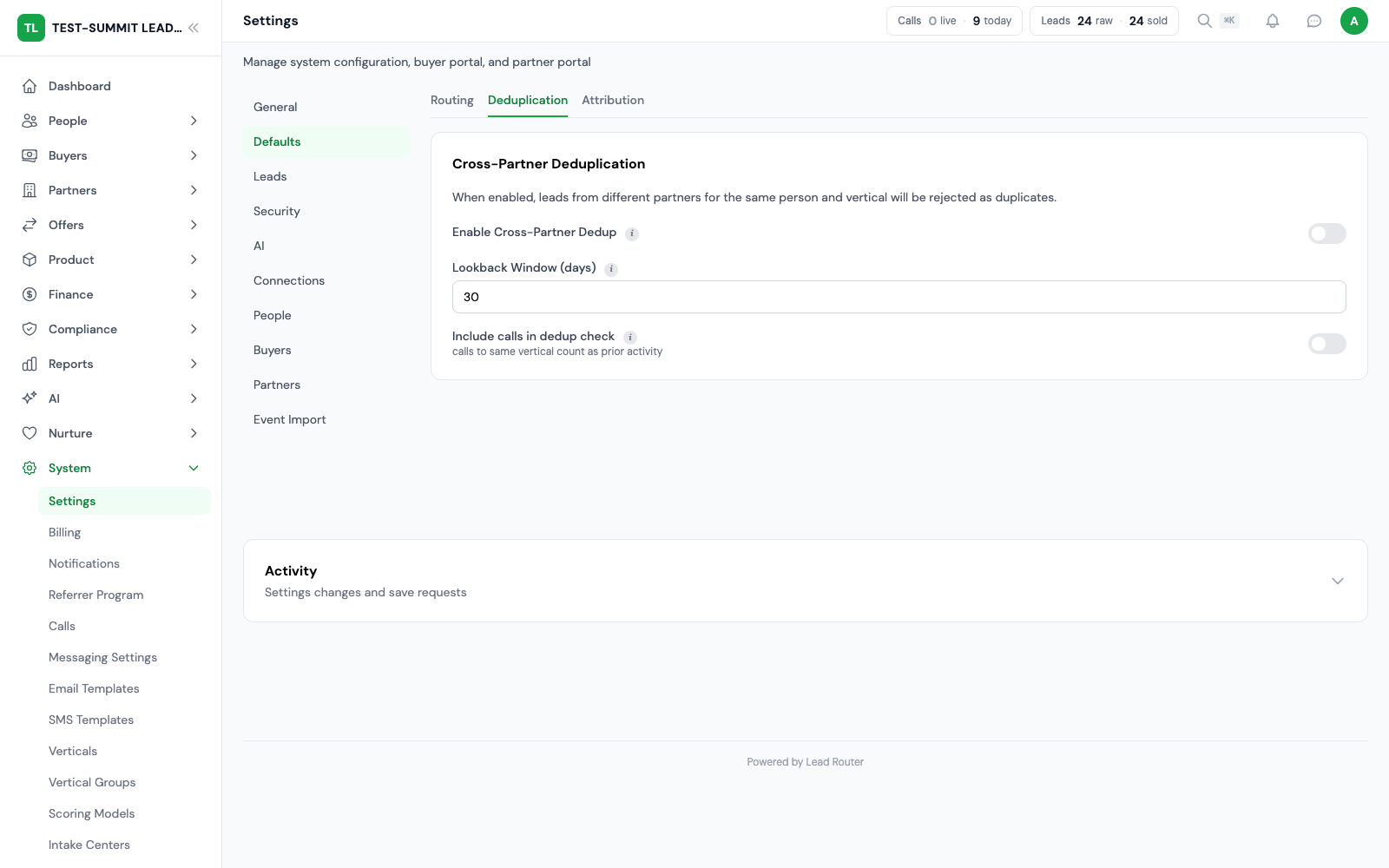
Broader intake checks can catch the same person across partners before buyer routing starts. When enabled, vertical duplicate rules can reject the lead within the scope and time window you set. Buyer-level checks run separately and skip only buyers that already received the lead.
Contract-level overrides
Not every buyer wants dedup. Some buyers running remarketing or nurture flows want every touch, not just the first. Dedup can be turned off per contract, so the offer keeps running for buyers that want repeats while still enforcing dedup for buyers that do not.
SHA-256 hashed identifiers
Email and phone values are hashed before they enter the dedup index. Lookups compare those hashes instead of reading plain-text contact details. Hashing does not replace your data-deletion process.
Runs during the ping phase
Dedup evaluates on the ping, before bids are returned. A capped-out or already-bought buyer never returns a bid that the winner selector has to throw away. Running dedup on the ping keeps the auction clean and keeps the engine's own work small, even on offers with twenty to thirty active contracts. Total ping time depends mostly on your buyers' endpoints, not our evaluation.
Sales history for duplicate checks
The dedup index keeps records of prior sales for later checks. The routing history shows why a lead or buyer was skipped. Use both records to review a duplicate result.
The Order
Dedup checkpoint order
Six checkpoints run in a fixed order from first lead touch to post-delivery outcome.
Suppression list
Before anything else, the lead is checked against the global suppression list. Opt-outs, Do Not Contact entries, and compliance suppressions drop the lead here. Suppression runs first because nothing downstream matters if the consumer has opted out.
Vertical duplicate rules
When enabled, these rules check prior leads in the verticals and time window you choose. A match rejects the lead before the buyer auction. You can choose the matching fields and whether to check sold leads or all leads.
Same-buyer dedup within the ping
Inside a single ping, if multiple bids would resolve to the same buyer, the platform dedupes across those bids so the same buyer never gets two copies of the same lead in one auction. This matters for multisell where buyer mix overlaps across contracts.
Buyer-level dedup per contract
Each contract runs its own dedup window against prior sales to that specific buyer. Hashes are matched on email OR phone. A match drops the contract from the auction. This is the main per-buyer check and is the one operators most often tune per contract.
DQ dedup
Disqualification contracts run a separate dedup check in their own table. A lead that was previously disqualified by a buyer is not sent back to that buyer for another disqualification check inside the DQ window. DQ dedup keeps DQ volume honest and keeps buyer costs predictable.
Post-delivery duplicate outcome handling
After the lead posts, if the buyer endpoint returns a duplicate response, Lead Router records the outcome and rolls the sale back. Duplicate responses after delivery update the leadDedup record so the next ping from the same consumer will skip that buyer automatically.
When to Use It
When you want dedup on, when you want it off
Dedup is not always the right answer. Operators decide per offer and per buyer.
Exclusive sales almost always need dedup on. Exclusive buyers pay more because they are the only buyer getting the lead. Selling the same consumer twice to the same exclusive buyer inside a reasonable window breaks that promise and leads to refund requests. Windows of 180 to 365 days are common on exclusive offers for final expense, mortgage, and legal.
Ping-post and multisell offers sometimes want dedup off. Say the same consumer came in through two different channels: partner A sent a radio lead, and partner B sent a web form. If both fall inside the buyer's dedup window, blocking the second sale means lost revenue. Contract overrides let you skip dedup on specific contracts where the buyer has agreed to repeat contacts.
Set the duplicate-check window for your vertical and buyers. Use a longer window where repeat leads have less value. A contract can override the default when the buyer agrees. Data deletion requests follow the privacy review process and any rules for keeping records.
Control repeat callers separately from form leads
Lead duplicate protection and caller deduplication have separate settings.
Explicit caller opt-in
Repeat-caller exclusion needs three settings on the buyer: deduplication turned on, call deduplication turned on, and phone included in the deduplication fields. Turning on ordinary lead deduplication alone does not apply the same rule to calls.
Record the answered connection
Caller deduplication records the buyer connection when the call is answered. An unanswered attempt is not treated as a completed buyer contact for this protection.
Deduplication before affinity
A previous buyer relationship can support routing affinity, but configured caller deduplication can exclude that buyer. Affinity does not bypass the repeat-caller rule.
Keep identity and eligibility distinct
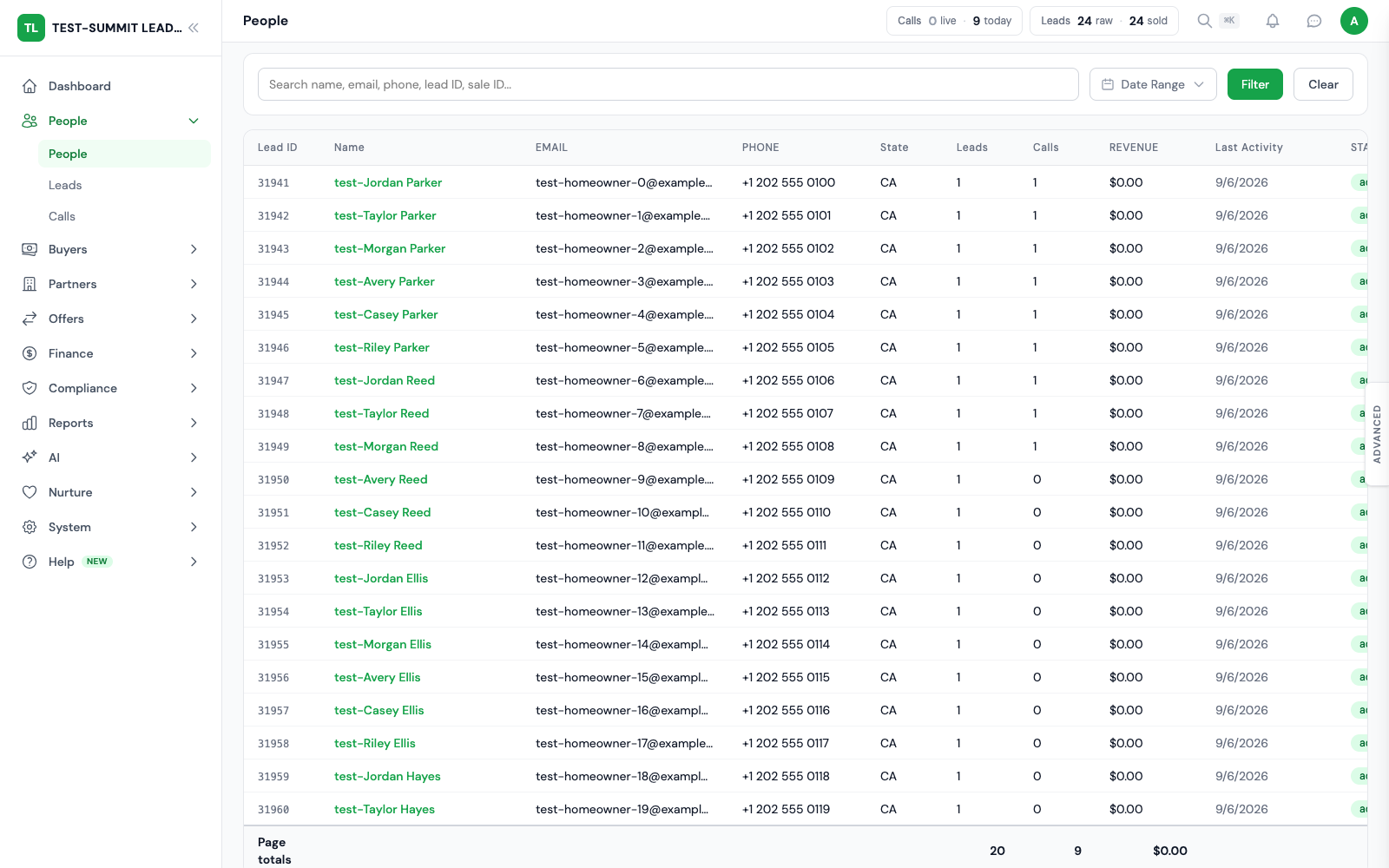
People Hub links records to a person for context. Buyer deduplication decides whether another lead or call is eligible under that buyer’s configured fields and window.
Frequently Asked
FAQ
The questions operators ask before turning dedup on or off on a live offer.
What is lead deduplication?
Deduplication checks whether a buyer already bought the same contact during a time window you set. Lead Router compares the selected fields with past records and blocks repeat sales that match your rules. Other eligible buyers can still receive the lead when your offer allows it.
How does Lead Router dedup leads?
Lead Router hashes email and phone with SHA-256 and stores the hashes in the leadDedup table. Every contract evaluates the hash against prior sales to the same buyer inside the dedup window configured on that contract. If either the email hash or the phone hash matches, the contract skips the bid. Plaintext email and phone are never used for dedup lookups.
Can I configure the dedup window?
Yes. Every contract sets its own dedup window. Short windows (30 to 60 days) are common for high-volume verticals like auto insurance. Long windows (180 to 365 days) are common for high-cost verticals like final expense or mortgage, where buyers do not want to buy the same lead again for a full sales cycle. Some contracts skip dedup entirely with a contract-level override.
Does dedup run on the ping or post?
Duplicate checks can run during the ping. A buyer who already bought the contact during the set window is left out when those checks apply. Delivery checks the rules again before a sale. Total response time also depends on each buyer endpoint.
What about cross-partner duplicates?
Broader intake checks can catch the same person across partners before buyer routing starts. When enabled, vertical duplicate rules can reject the lead within the scope and time window you set. Buyer-level checks run separately and skip only buyers that already received the lead.
Stop Double-Selling
Dedup that works on the ping, not after
Set buyer-level checks, cross-partner rules, and contract windows. Review prior sales and routing results to understand why a lead was blocked.
Every module included at no extra license fee.